So I created a DotNet CLI tool called MySocials 😜
Inpiration :
Sometimes when filling out applications you might be requested to fill out fields requiring links to your social accounts or websites etc.
Most times I usually go to the website and copy the link. So an idea sprung forth 💡
Samson why don’t you build a CLI tool that allows you to easily obtain the details from your CLI by saving the contents you are looking for to your clipboard. 🌚
All you need to do is to save the details once and obtain them anytime you want.
How to Use :
- You should have Powershell v7+ and DotNet SDK installed on your computer
- To install using DotNet CLI execute the command below:
dotnet tool install --global MySocials --version 1.1.0- To set up, execute :
mysocials
— This would create the JSON file that would be used to store the local data
— If the file already exists it would copy all the details in it to your clipboard - To add details, execute :
mysocials add
— This would wait for you to input values using key-value pairs
— You can input as much data(key-value pairs) as you want - To select data, execute :
mysocials select
— This would print out an interactive list of available data which you can navigate through using your arrow key
— To select data, use your enter-key
— The selected data would be saved into your clipboard which would make it easy for you to paste - To update data, execute:
mysocials update
— This would print out an interactive list of available data which you can navigate through using your arrow key
— To select the data to update, use the enter key
— Input the new data for the desired key
— Press the enter key to save the value - To delete data, execute:
mysocials delete
— This would print out an interactive list of available data which you can navigate through using your arrow key
— Select the data to delete using the enter key - To select a specific data, execute:
mysocials [*anyword]
— This would save the [*anyword] value to the clipboard if it exists
The repository of the code can be seen here and the NuGet page can be seen here.
Some Illustrations :
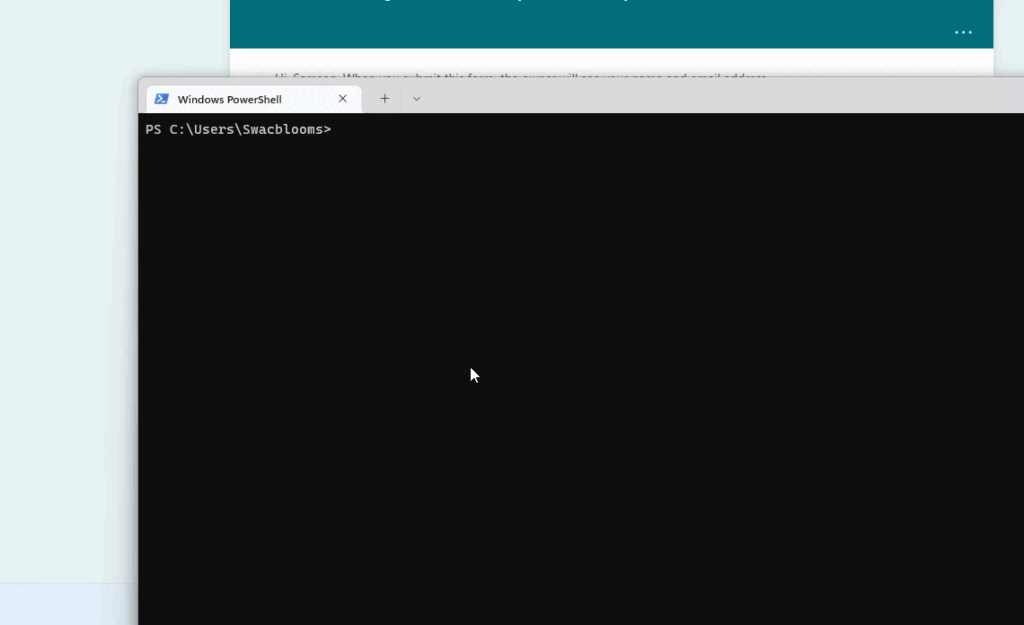
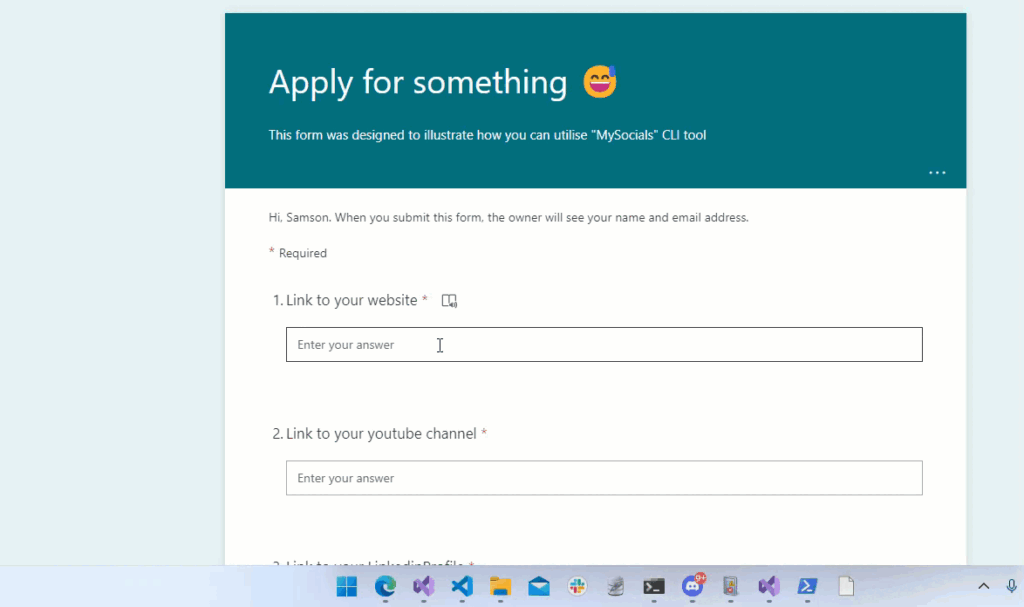
Hope you find it interesting 😅. Thanks